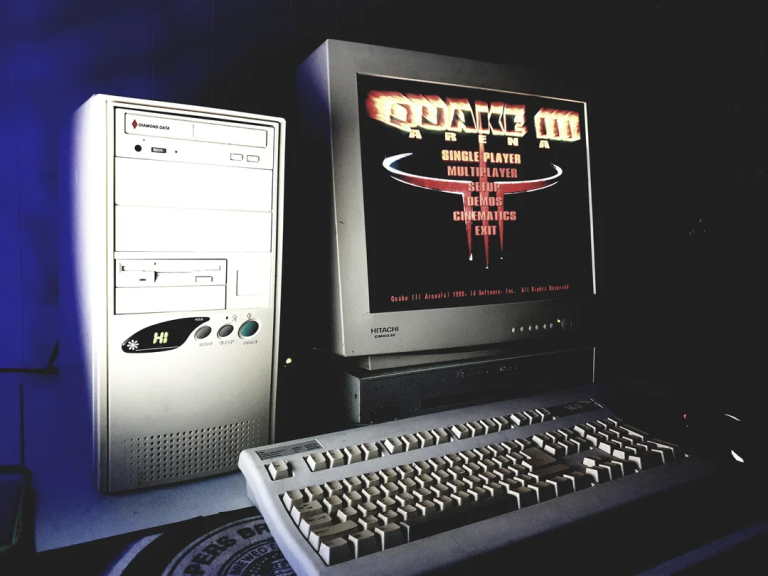


When playing on newer computers, the brightness may remain too low. To fix this do the following
- Navigate to your baseq3 folder.
- Open q3config.cfg using a text editor like Notepad.
- Find and change the following lines:
seta r_ignorehwgamma “1”
seta r_overBrightBits “1” (or “0”)
seta r_gamma “1.3” (adjust higher if still too dark)