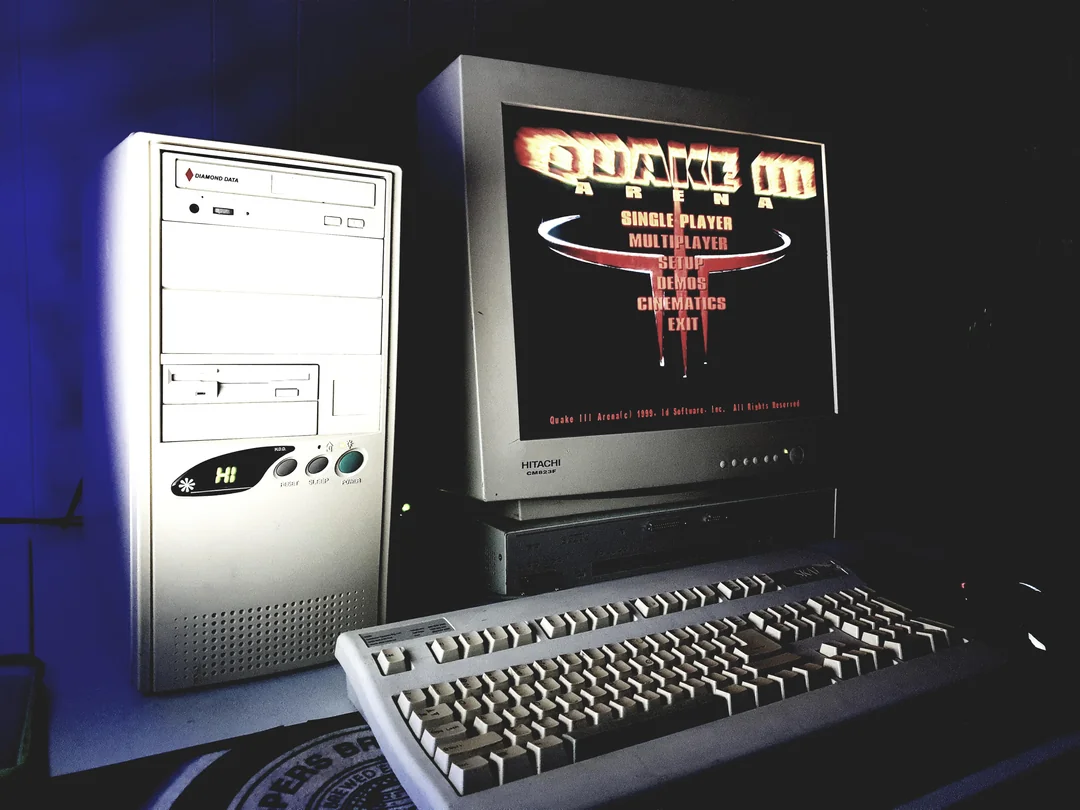

Again, with newer computers, your display in Quake 3 may not be showing in true FULL SCREEN. To fix this, do the following:
- Navigate to your Quake 3 installation folder and open the baseq3 directory.
- Open q3config.cfg using Notepad.
- Edit or add the following lines to match your display (e.g., for 1920×1080):
seta r_fullscreen “1”
seta r_mode “-1”
seta r_customwidth “1920”
seta r_customheight “1080”
Save the file, start Quake 3